More lockouts booked, fewer lost to voicemail
- Calls answered while you’re picking a lock
- Website and local SEO for “locksmith near me”
- Entry, lock change or smart lock, quoted by text
14-day free trial. No card needed. See pricing
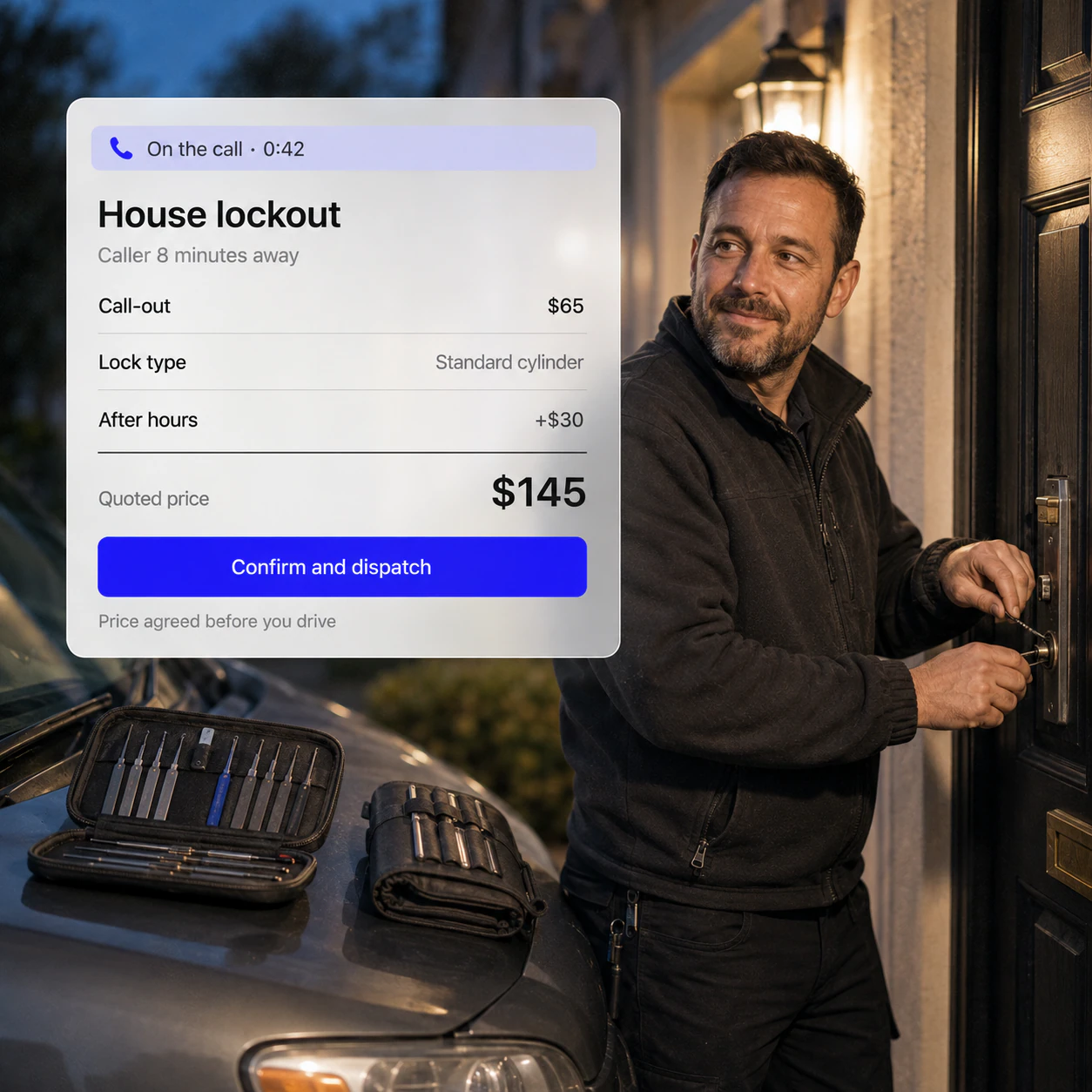
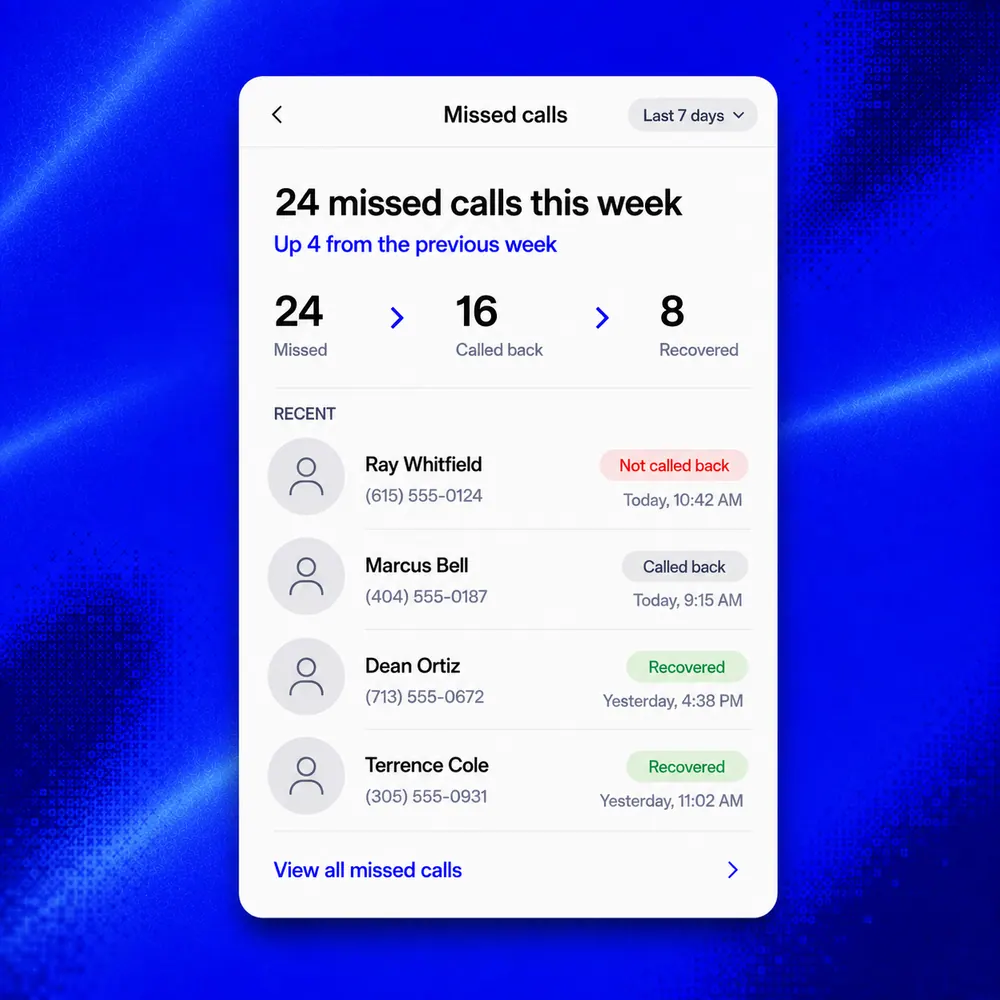
Answer the 10 p.m. lockouts, take the deposit before you drive out, and turn every lockout into a lock change or smart lock.
Try it on your next job.14 days free. No card needed.
Every leak you plug is money you keep.
A deposit taken by text before a late-night callout, so a ghosted job doesn’t cost the drive.
.jpeg)
A required ID check before entry, recorded on the job every time.
Entry, entry and lock change, or a smart lock. Lockouts become upgrades at the door.
A surcharge rule adds the after-hours rate automatically, so nobody forgets it at midnight.
A deposit taken by text before a late-night callout, so a ghosted job doesn’t cost the drive.
A required ID check before entry, recorded on the job every time.
Entry, entry and lock change, or a smart lock. Lockouts become upgrades at the door.
A surcharge rule adds the after-hours rate automatically, so nobody forgets it at midnight.
A deposit taken by text before a late-night callout, so a ghosted job doesn’t cost the drive.
A required ID check before entry, recorded on the job every time.
Entry, entry and lock change, or a smart lock. Lockouts become upgrades at the door.
A surcharge rule adds the after-hours rate automatically, so nobody forgets it at midnight.
QuickBooks, payroll and 60+ more, fed from every lockout, lock change and lock.
Lockouts answered in your name, the deposit taken before you drive out, entry, lock change or smart lock quoted at the door, and an ID check before every entry, for teams of up to 10.
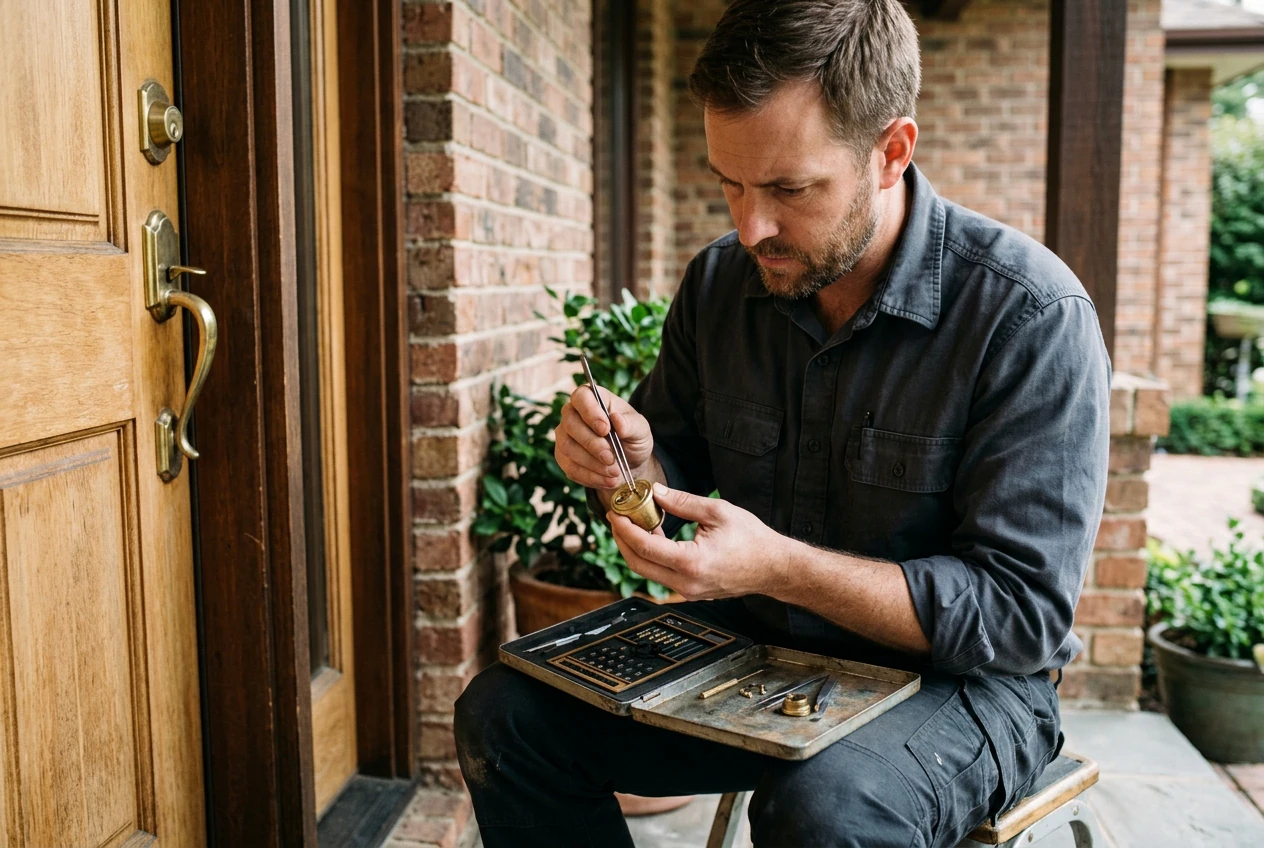
The quote goes out by text with a deposit, so a customer who finds their key has already paid for the callout.
Coming soon*
Fieldspilot is locksmith software: scheduling, dispatch and invoicing in one app. Free plan; paid plans from £24 a month plus VAT.
Yes, with always-on answering switched on. The AI answers in your business name, takes the address and the lock type, and turns the call into a request you can quote and send with a deposit link.
Locksmith software runs the business side of lock work in one place: calls and requests, quotes, dispatch, parts on the van, invoices and payments, and the reviews that win the next call.
Yes. Send the quote by text with a deposit, and the customer pays from their phone before you drive out. The deposit comes off the final invoice.
Yes. Add photo ID and proof of address to your lockout checklist, mark them required, and attach the checklist to every lockout automatically, so every entry is on record.
Yes. Build options like non-destructive entry, entry with a lock change of every lock, or entry with a smart lock install from your price book, add extras like high-security cylinder, and take the e-signature when the customer picks one.
Yes. Track stock on each locksmith’s van, get a low-stock alert before a cylinder or cylinder runs out, and create a purchase order to restock. Parts used on a job go on the invoice.
Yes. Set a rule once, for example after 18:00 or on weekends, and your after-hours callout is added to every job booked in that window. You can remove it from any job it doesn’t fit.
Yes. One account can hold every site it owns, with notes and photos for each door, the invoice can go to whoever pays, and a multi-day office lock change can be scheduled across days and billed in stages.
Setup takes a few minutes: pick locksmith, claim a number, forward your existing line, then call yourself to hear it work. Lockouts, lock changes, lock replacements and emergency rates come pre-loaded in the price book, and no card is needed to start.
 KeyRight Locksmiths
  Harry G.
  Craig D.
  Dan P.
  Eddie W.